When I renamed the computer name, the login name in SQL Server was displayed as previous computer name. It did not affect all of the function of SQL Server and I just needed to rename the log in when I logged in SQL Server. But a problem is when I renamed the computer name, the previous log in name is still there in properties.
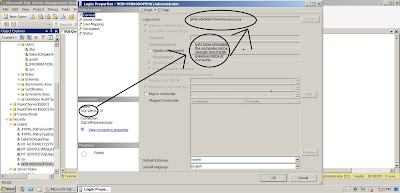
I have tried:
first delete Win***\administrator - i can't
login to recreate it
repair it - still can't
loginremove database engine and reinstrall with SQLVM\administrator - solve it... and i have to reattached database.
it was an idiot solution, eh?
I have asked my instructor - Ms. Donabel Santos for a solution, and she said I needed to drop the server and add it again to solve this problem.
sp_dropserver <'old_name\instancename'>
GO
sp_addserver <'new_name\instancename'>, local
GO
However, her solution was for just dropping the old server and adding it again - couldn't solve this problem.

Then I found the simplest way: "just rename the login name by correcting computer name."

That is it!


